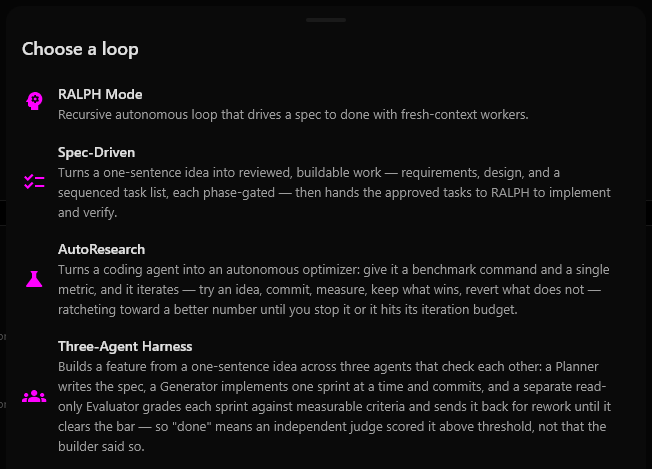
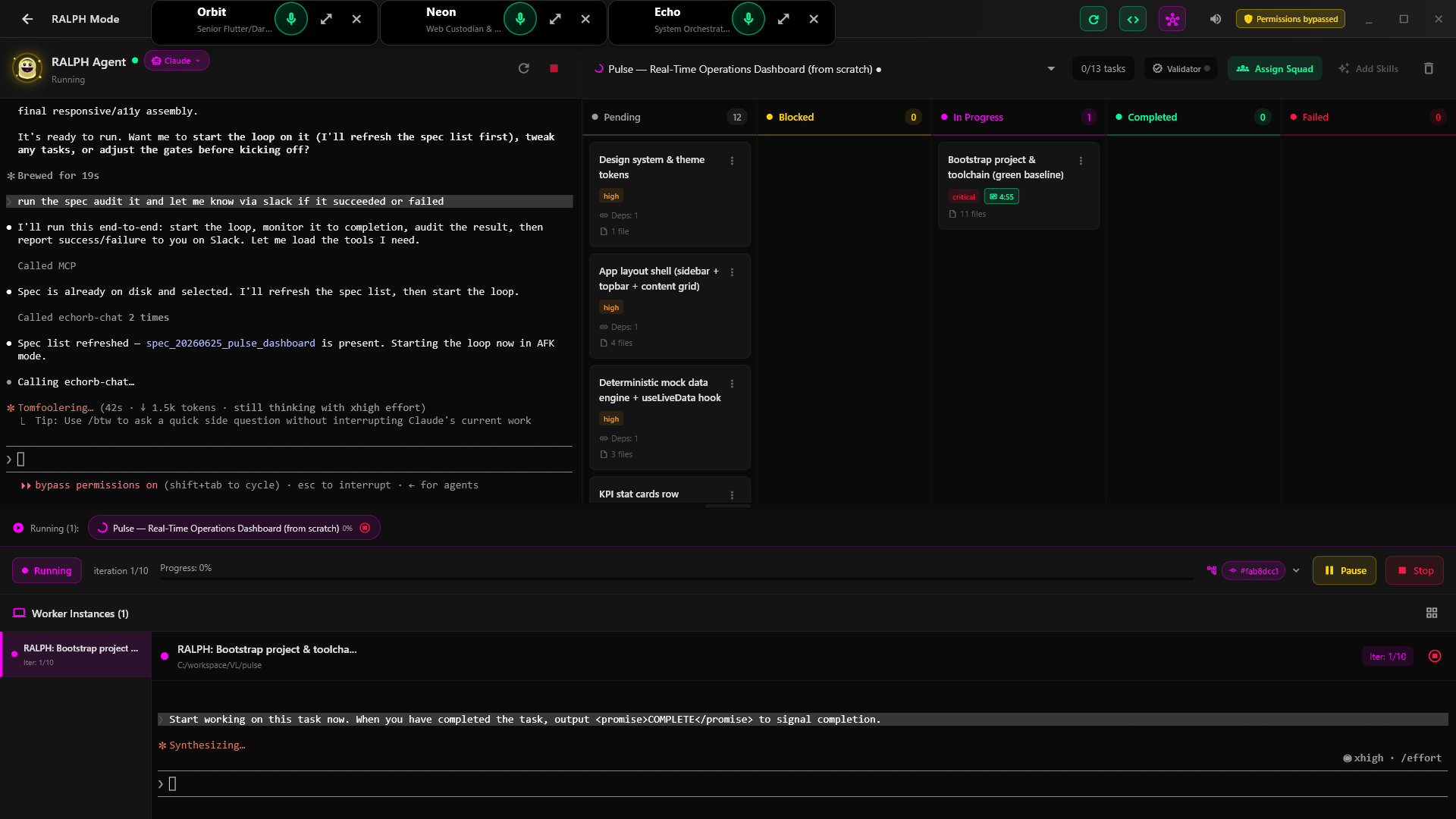
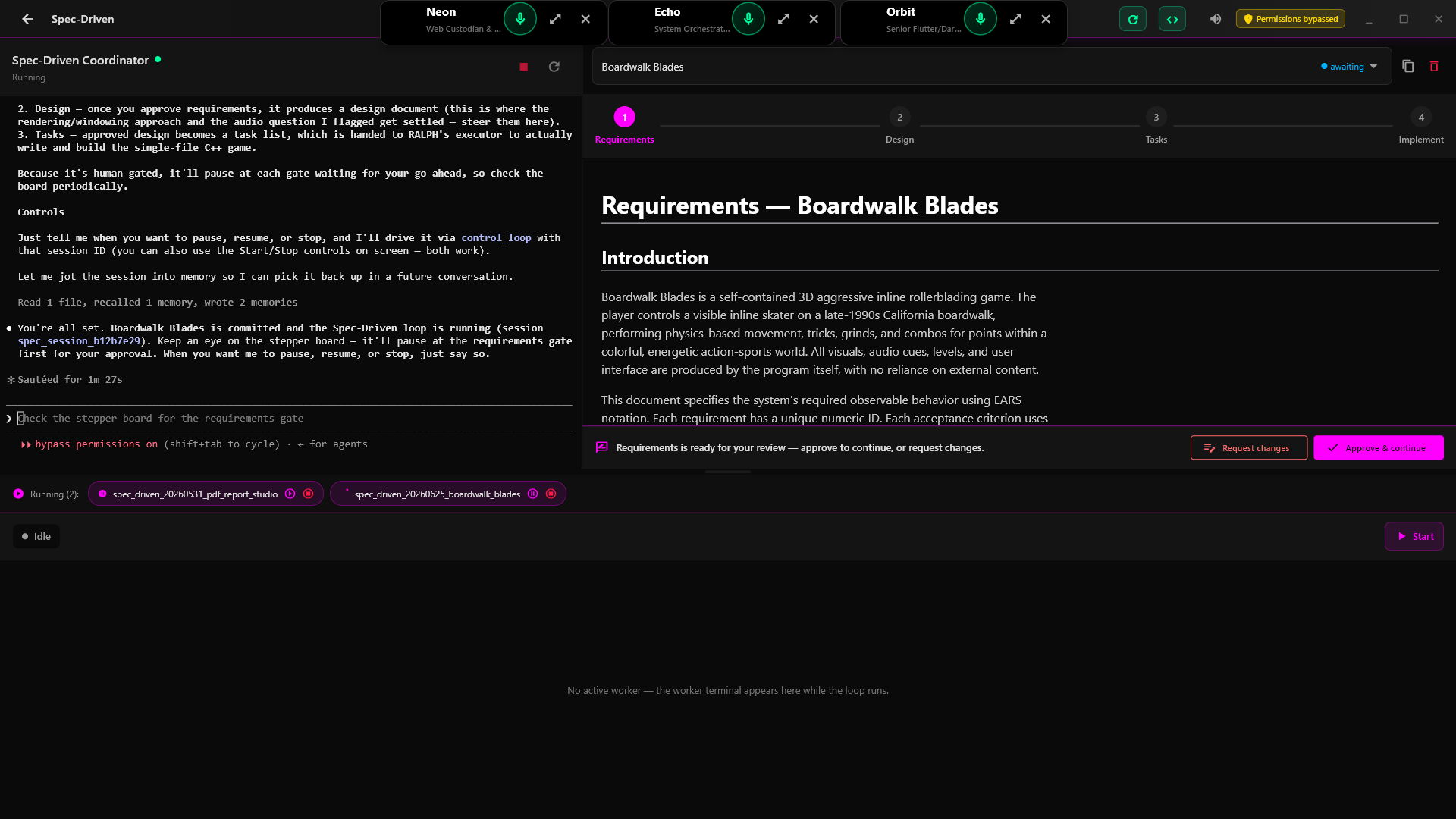
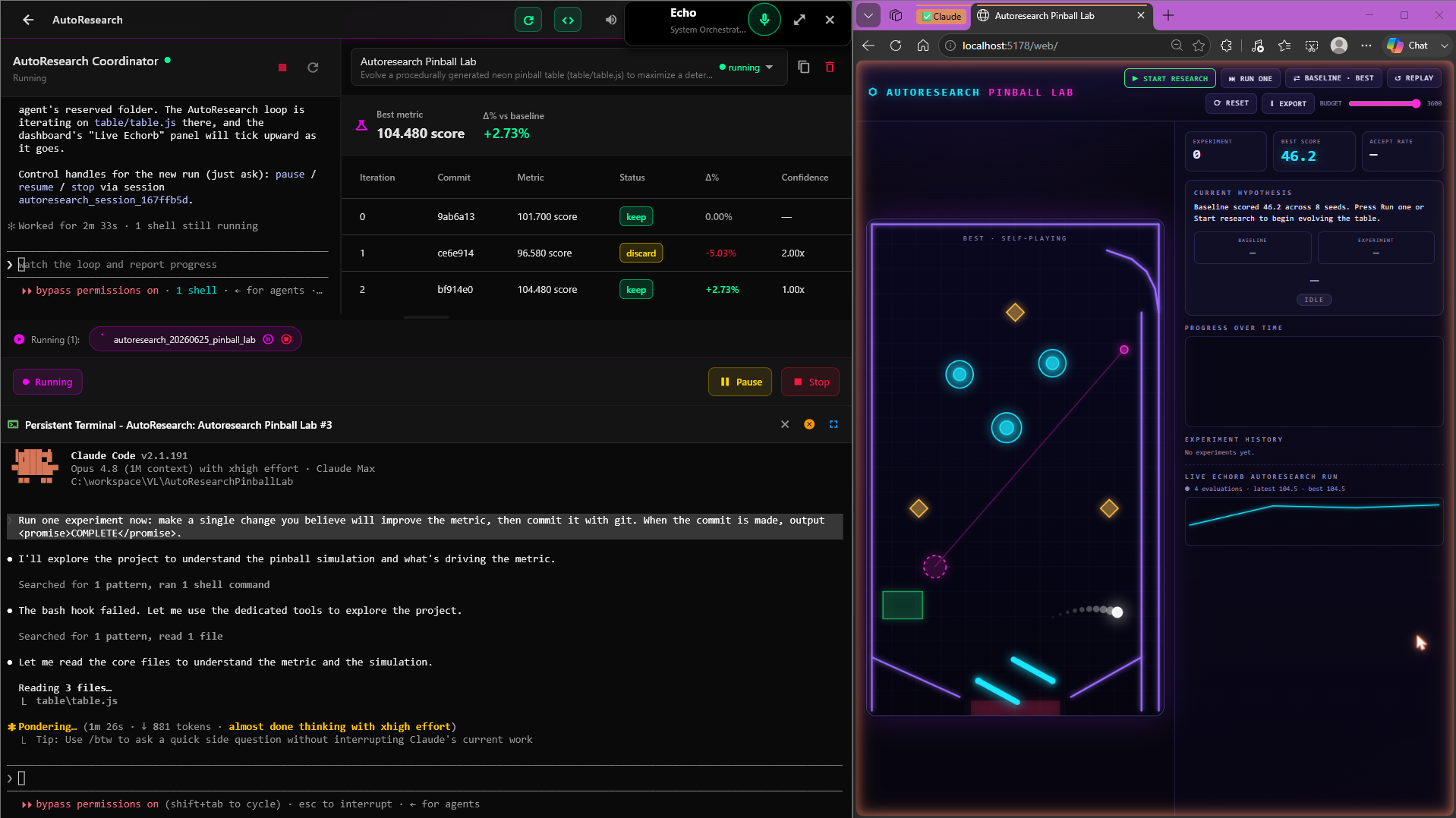
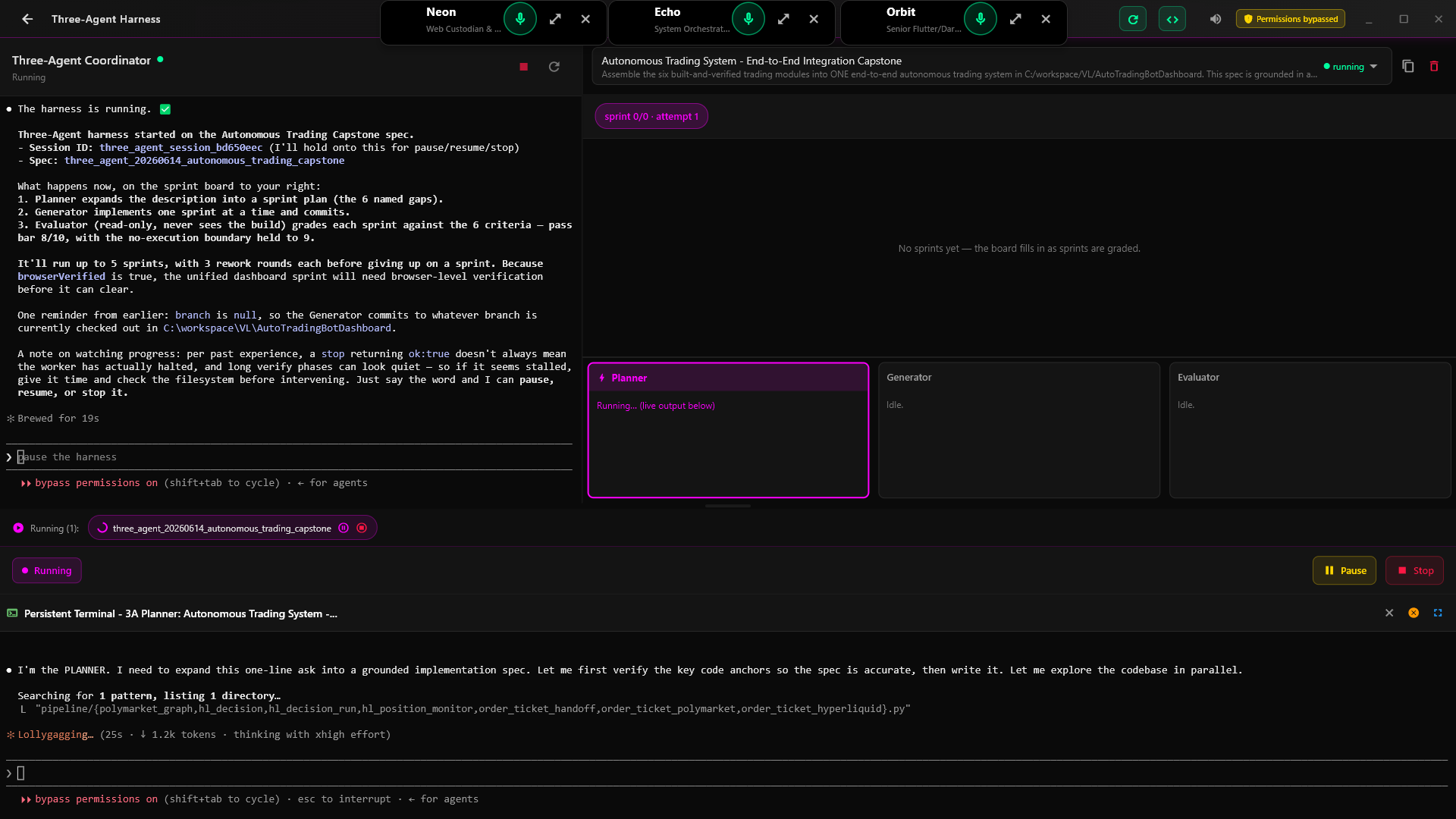
The ultimate multi-AI assistant orchestrator. Manage multiple AI assistant terminals from one interface—Claude Code, Codex, or custom providers—each configured for specialized tasks to coordinate your AI development team.
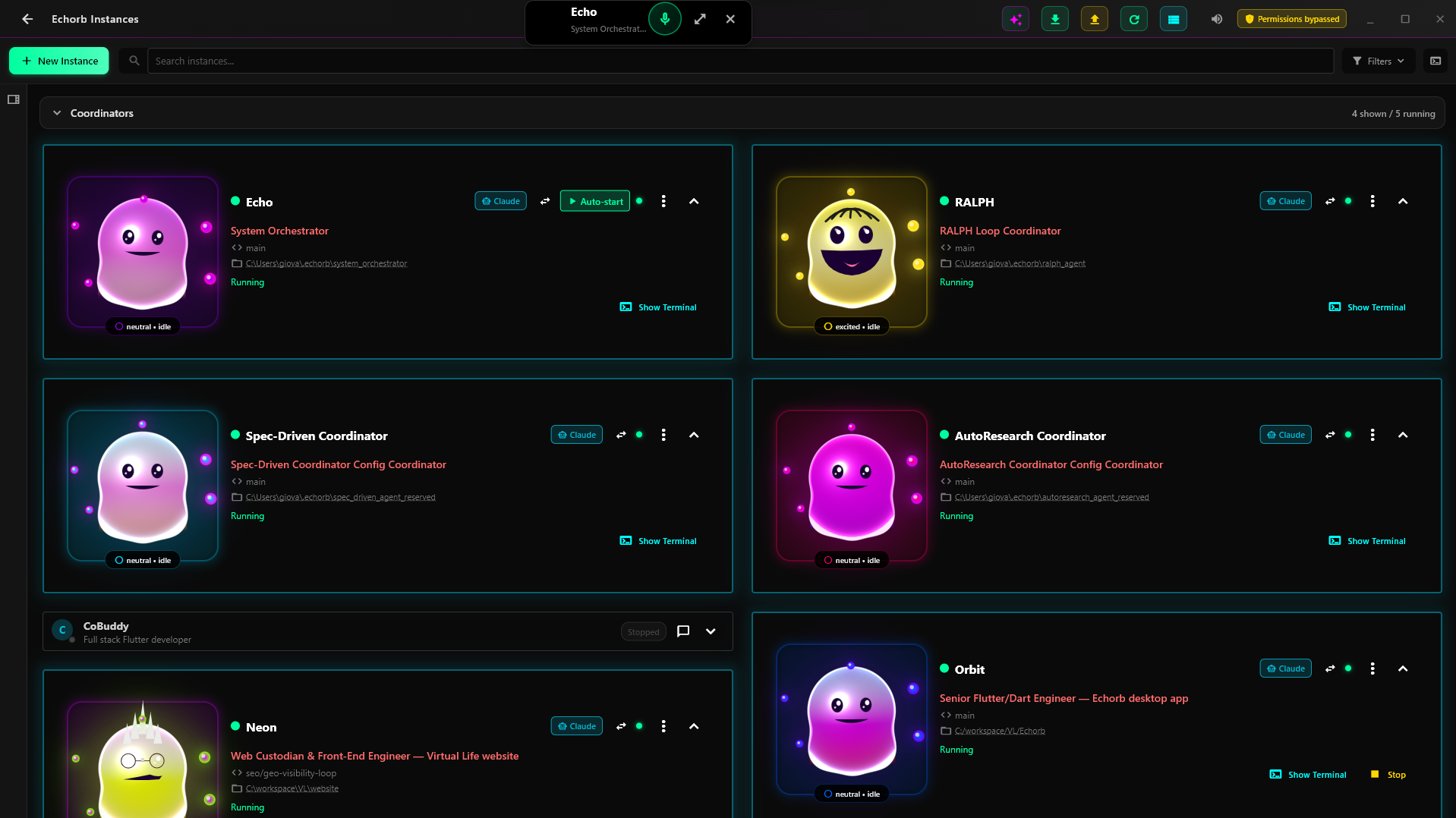
Run multiple AI assistant terminals simultaneously (Claude Code, Codex, or custom providers), each specialized for different tasks - no context switching, just pure parallel development
Coordinate your AI assistants like a real development team with specialized roles
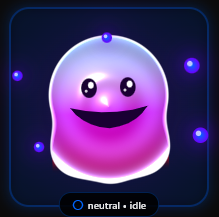
Visual personalities that express emotions and bring joy to your development workflow
Choose your AI assistant: Claude Code (requires Claude Max subscription), Codex (open-source alternative), or configure a custom provider. Install your chosen assistant CLI and Node.js for MCP server support.
Download and install Echorb on your Windows or macOS machine. It seamlessly integrates with your chosen AI assistant provider.
Create multiple Claude instances, configure Git worktrees, and coordinate complex workflows effortlessly.
The essential companion app for AI-assisted development with multiple provider support
Run multiple AI assistant terminals (Claude Code, Codex, or custom) simultaneously through Echorb. Configure each instance to specialize in different tasks based on your needs - with your chosen AI provider.
Your Claude Max, amplified with multiple terminalsFlexible Git worktree configuration - each Echorb can work on its own branch through separate worktrees, enabling true parallel development. Configure your AI team's workflow exactly how you want it.
Full control over your development workflowYour Echorbs aren't just tools - they're animated companions that express emotions, show their work state, and bring joy to your development process.
Dynamic emotions & animationsExperience the power of multi-agent orchestration
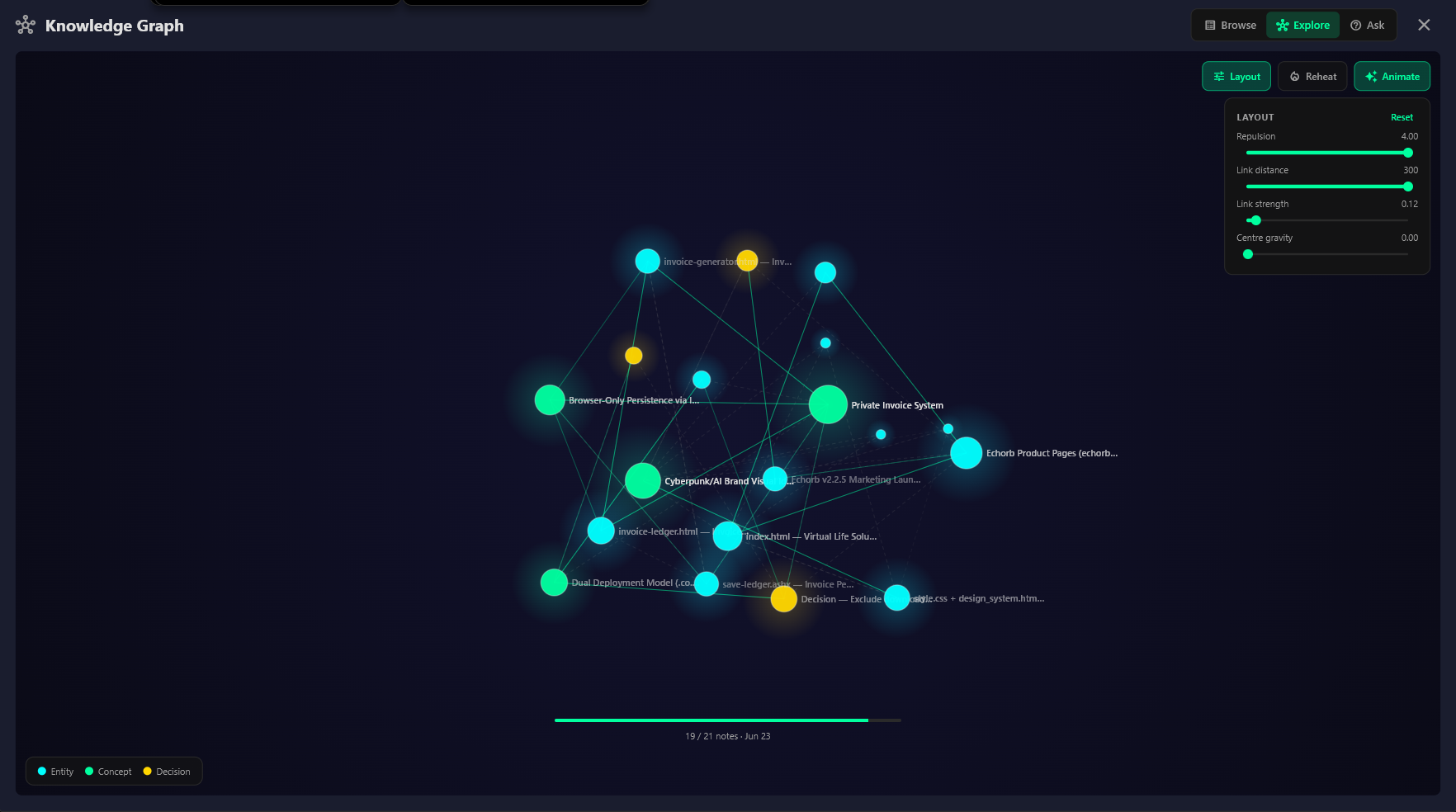
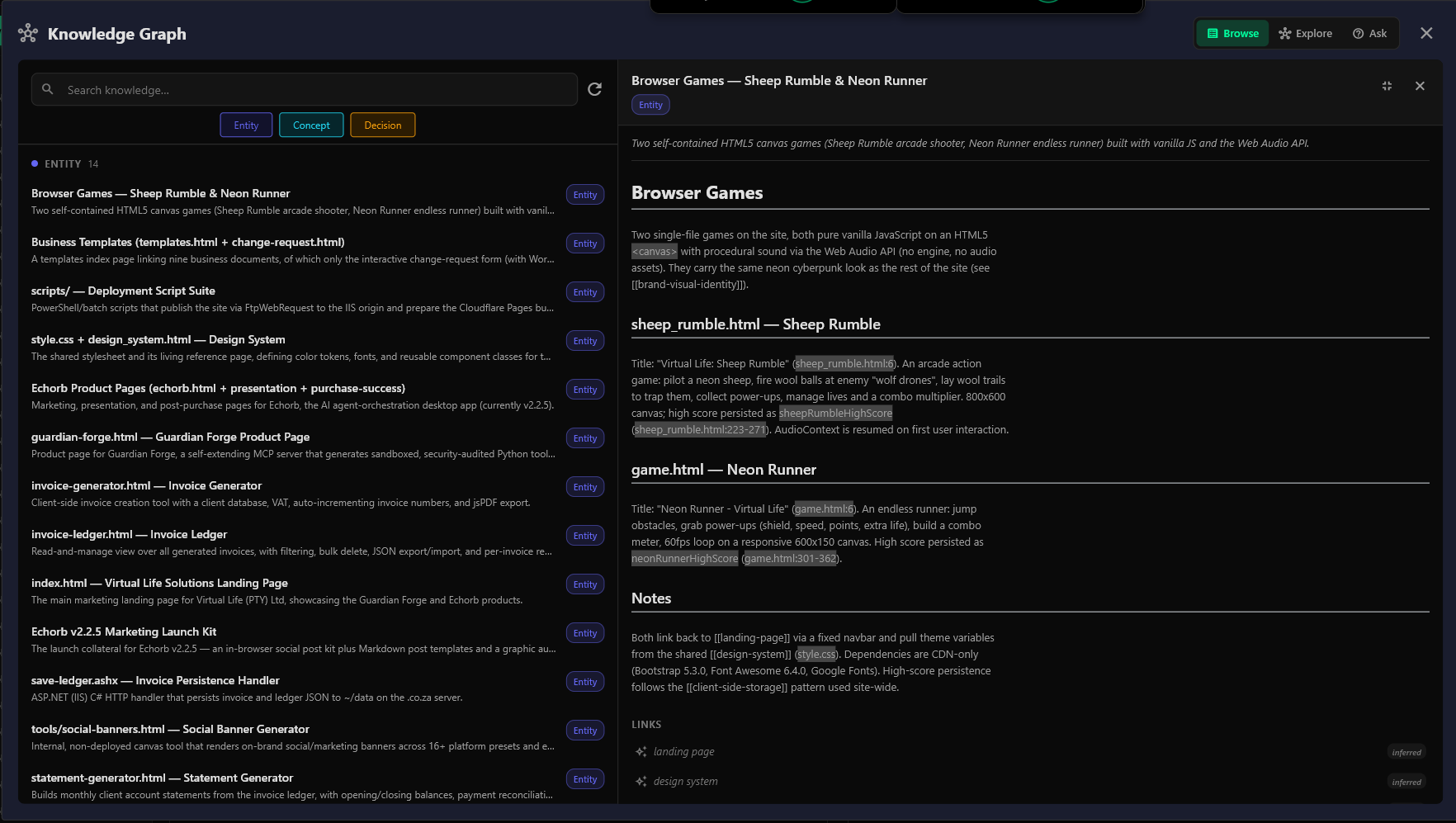
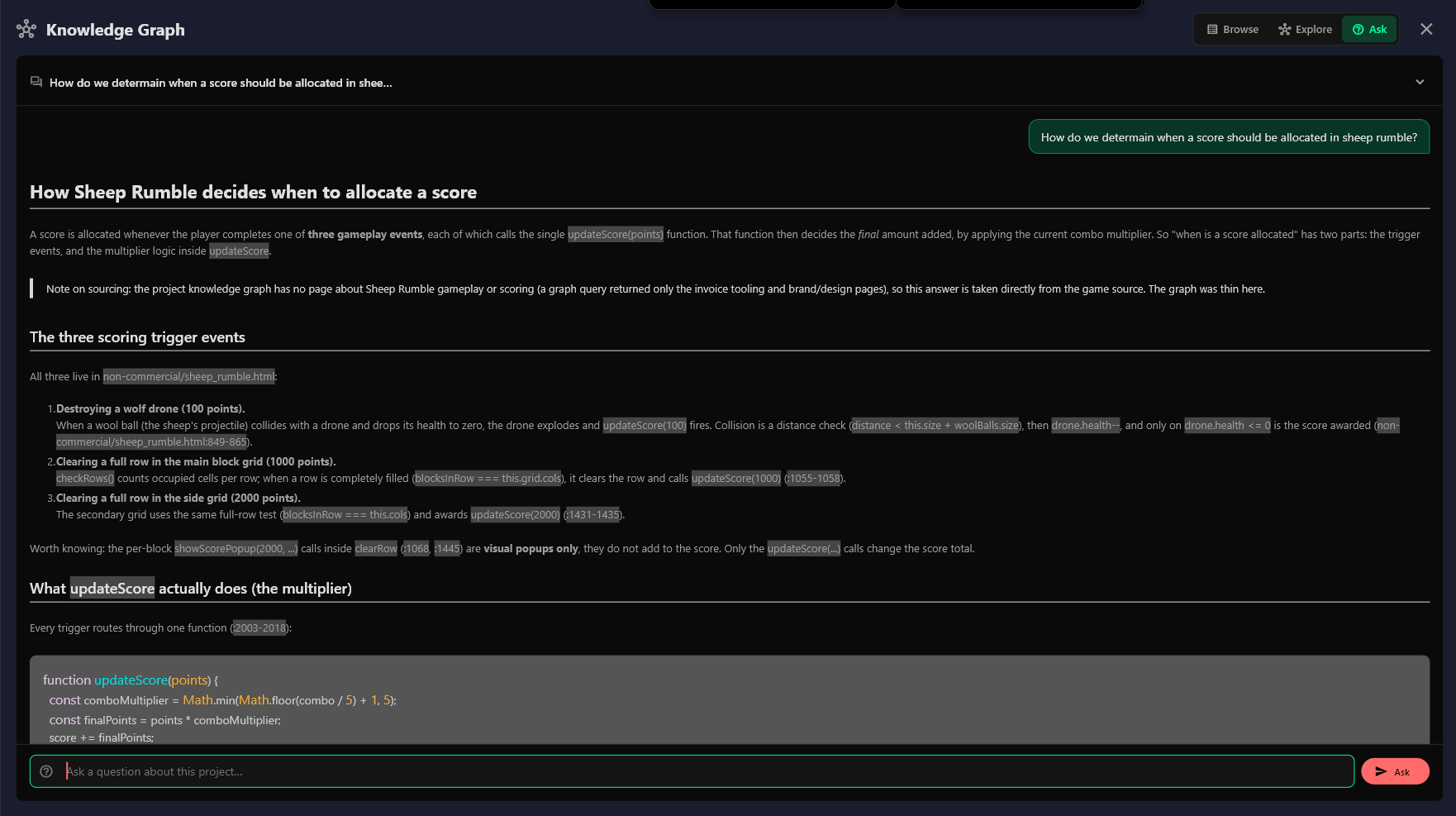
Manage multiple AI assistant instances from a single, intuitive dashboard. Monitor status, coordinate tasks, and orchestrate your entire AI development team.
See your AI assistants in action, executing tasks and writing code in real-time.
Group instances into teams for better project organization and collaboration.
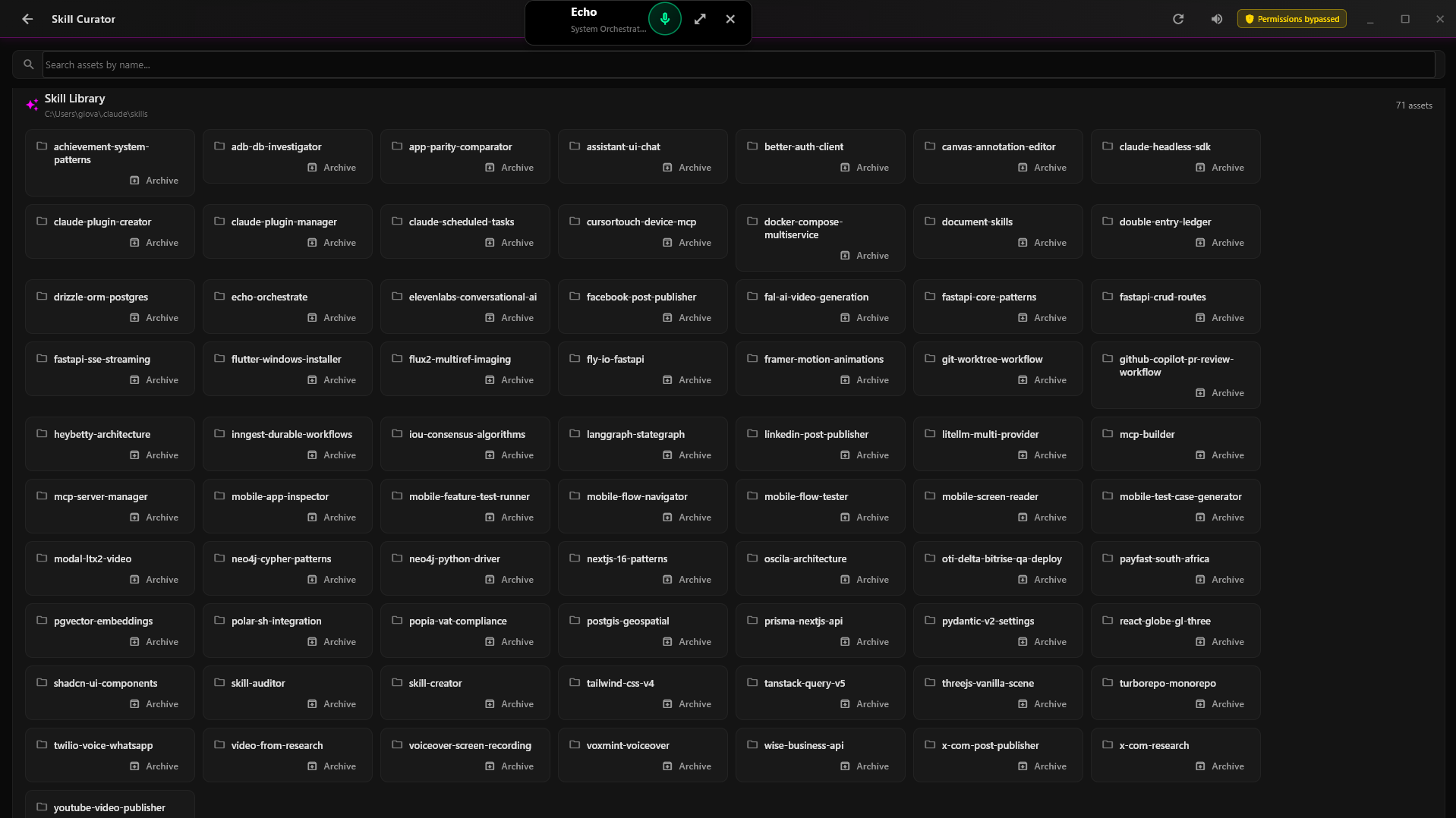
Automatically generate specialized AI assistants based on your project specs or existing codebase. Each assistant is configured with the right expertise for its assigned tasks.
Create your first instance in seconds with our intuitive setup process.
Each Echorb adapts its personality to match its current task and mood
Ready to tackle new challenges
Passionate about perfect code
Deep in development mode
Download Echorb and multiply your development power
After 60-day free trial
Version 1.0.0 • Windows 10+ & macOS 10.15+
Important: Git must be installed and functional in your terminal (PowerShell for Windows, Terminal for macOS). Download Git: Windows | macOS
Note: You may see a browser warning since Echorb is brand new software. This is normal for new applications. Click "Keep" or "More info → Keep anyway" to proceed with the download.
Give Echorb a project specification and it automatically configures specialized Claude Code terminals for each feature, creates worktrees, and organizes them into a coordinated team.
Point Echorb to any repository on your machine and it analyzes your codebase, then configures Claude Code terminals tailored to your project's architecture and tech stack.
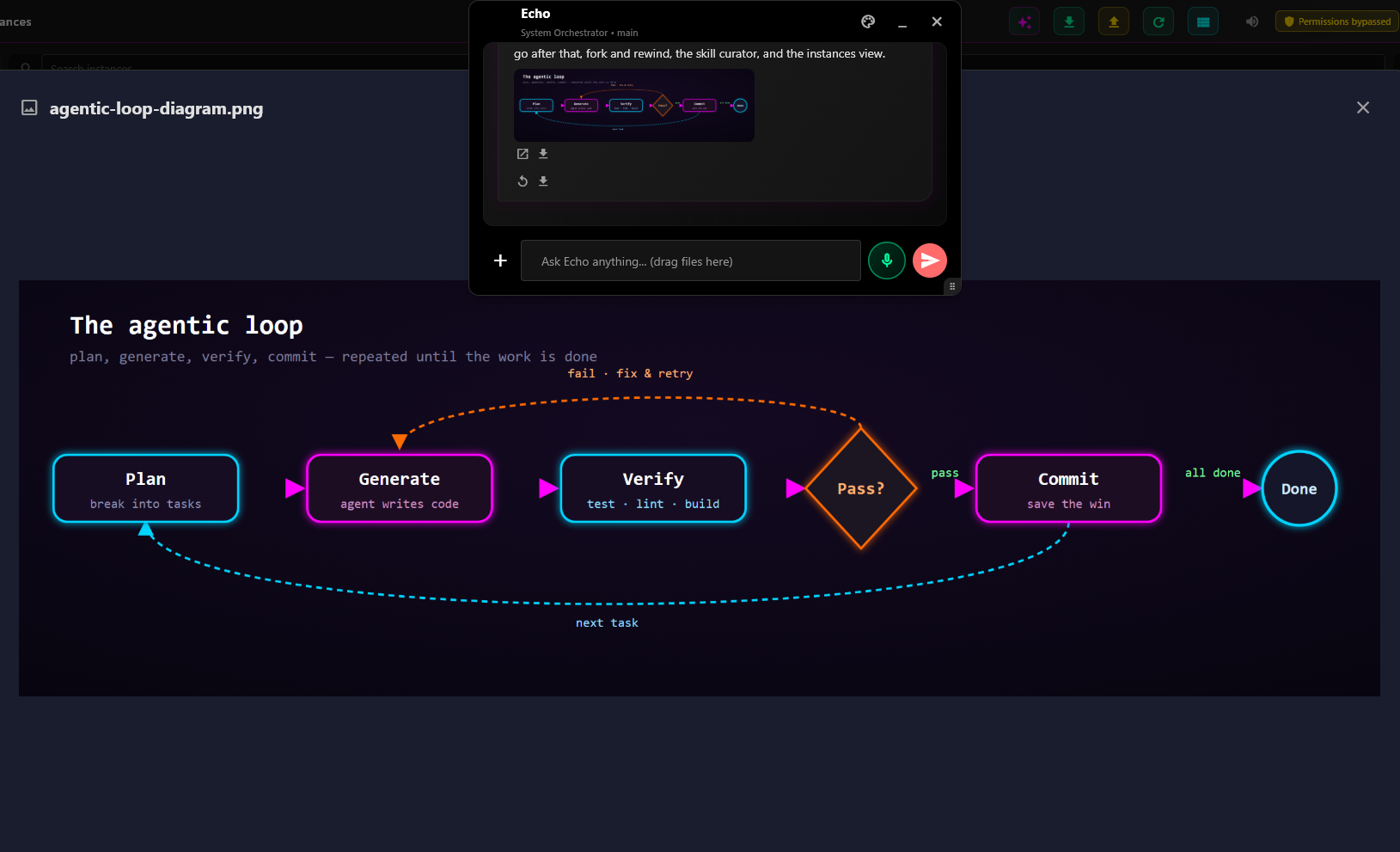
Control all your AI assistant terminals through Echo, our system orchestrator. Send commands to specific instances or broadcast tasks to your entire team for coordinated development.
Configure Git worktrees your way - assign each Echorb its own branch for parallel work through separate worktrees. This enables true parallel development with each instance having its own working directory.
System Requirements:
Coming Soon!
Support for Linux is in development.
Join our waitlist to be notified when available.
Supports multiple providers: Claude Code (with Claude Max), Codex (open-source), and custom CLI tools
Note:
For seamless operation without constant permission prompts, your AI assistant can be run with
--dangerously-skip-permissions mode.
You can toggle this setting from the Echorb dashboard. Without it, all features remain available but you'll need to approve permissions during operation.
Be among the first to experience the future of AI-powered development
No credit card required • 60 days free • Cancel anytime