ECHO ORB ECHORB

Stop writing code. Start orchestrating agents. RALPH transforms complex specs into working software through autonomous loops that learn, validate, and deliver - while you focus on what matters.

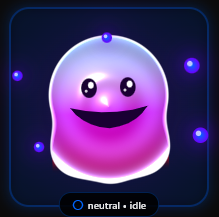
Echorb Mascot

How It Works

1

Prerequisites Setup

First, get a Claude Max subscription for the best experience. Then install Claude Code (Claude's official CLI) and Node.js for MCP server support.

2

Install Echorb

Download and install Echorb on your Windows machine. It seamlessly integrates with your Claude Code setup.

3

Launch Your AI Team

Create multiple Claude instances, configure Git worktrees, and coordinate complex workflows effortlessly.

Introducing

The RALPH Loop

Recursive Autonomous Loop for Programming and Handling

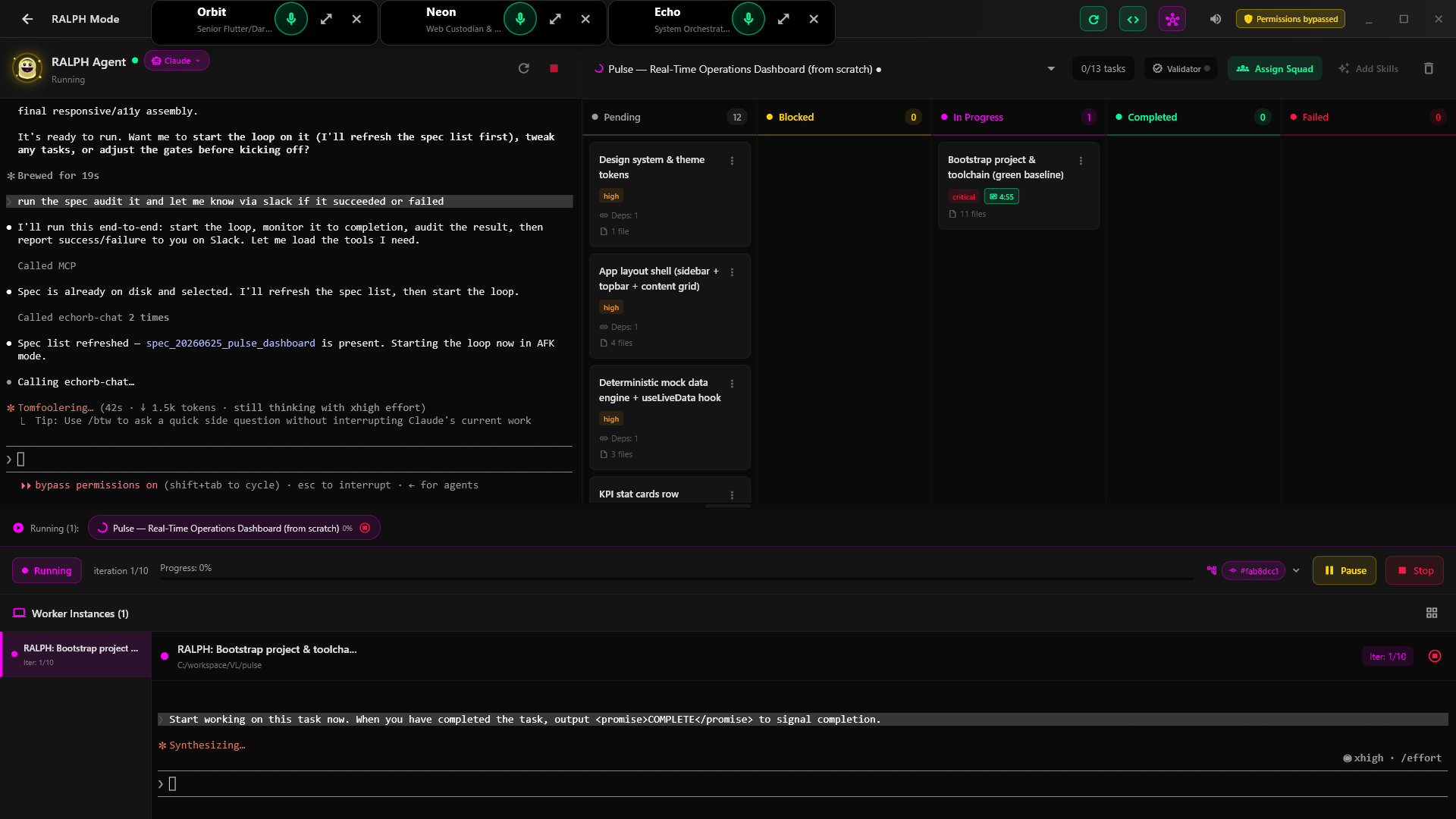
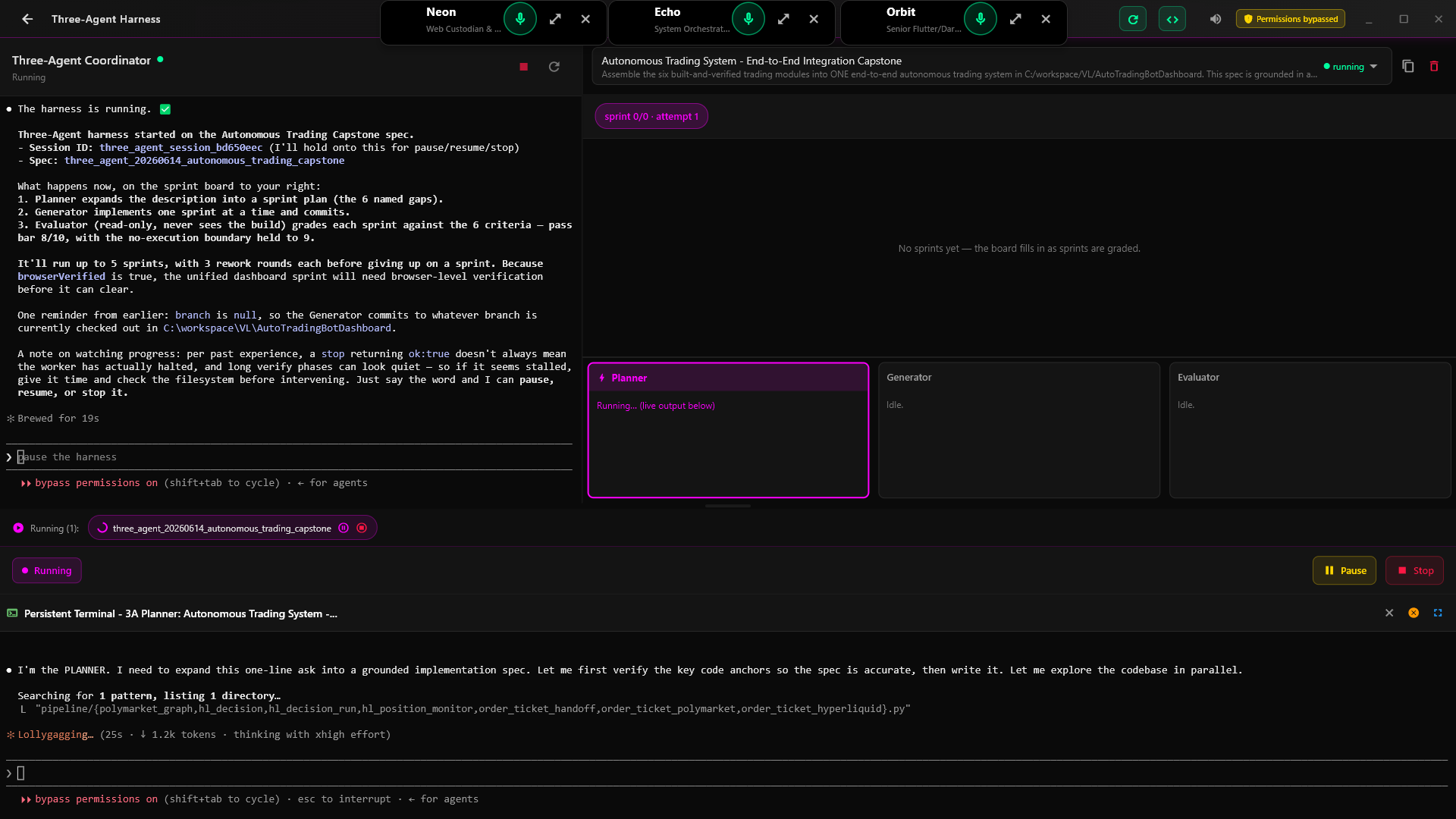
RALPH Loop - Autonomous AI Development

RALPH executing 227 tasks autonomously with Kanban tracking and live worker terminals

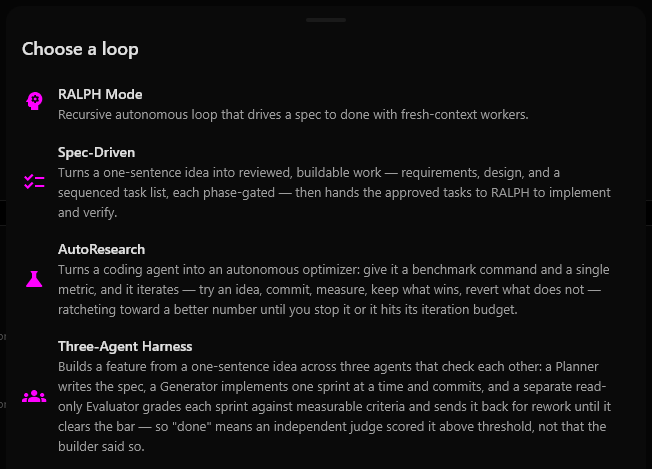
Autonomous Loops Iteration Learning Validation Gates Multi-Worker

See Echorb In Action

Experience the power of multi-agent orchestration

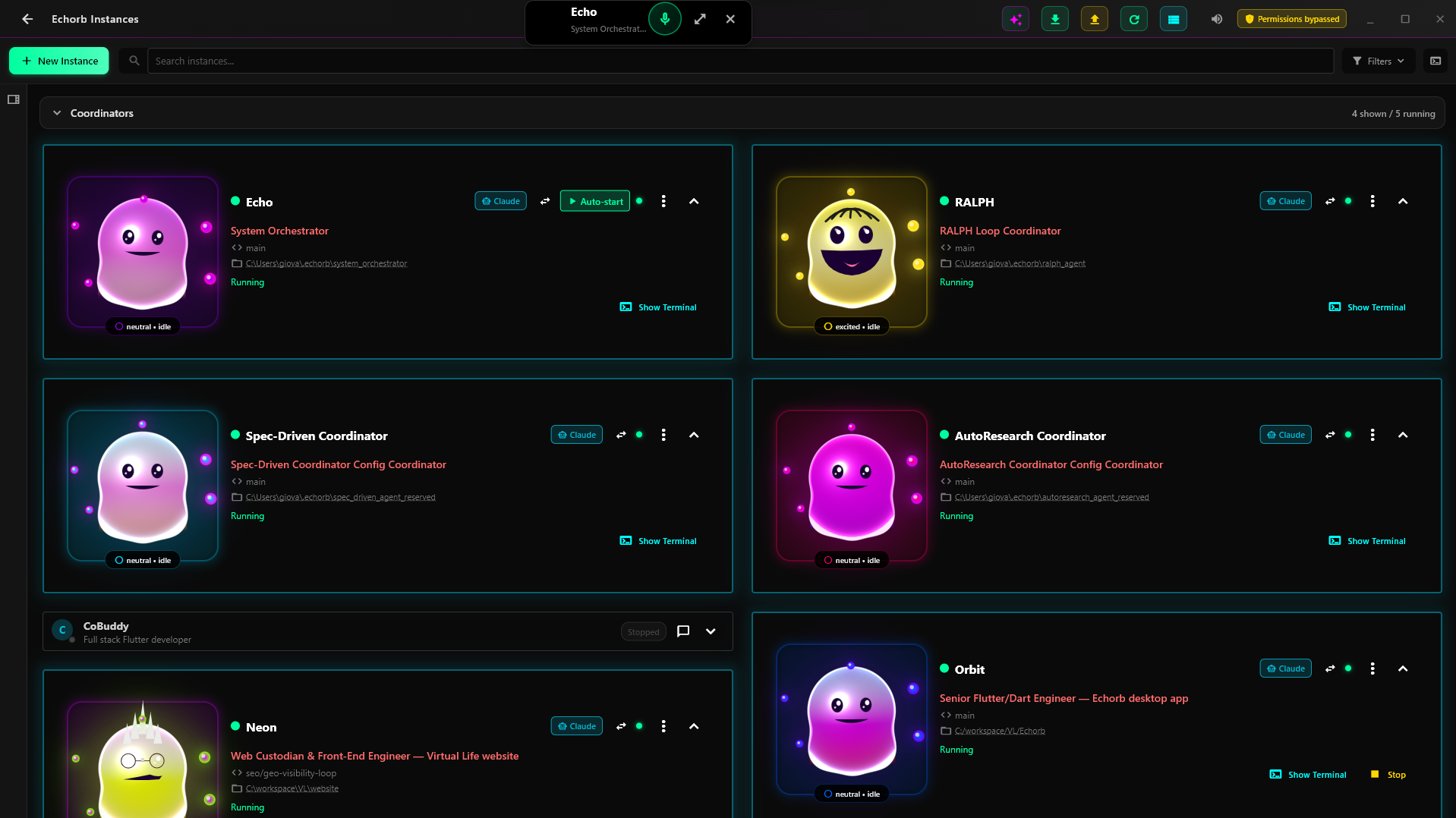
Multi-Instance Dashboard

Command Center for Your AI Team

Manage multiple Claude Code instances from a single, intuitive dashboard. Monitor status, coordinate tasks, and orchestrate your entire AI development team.

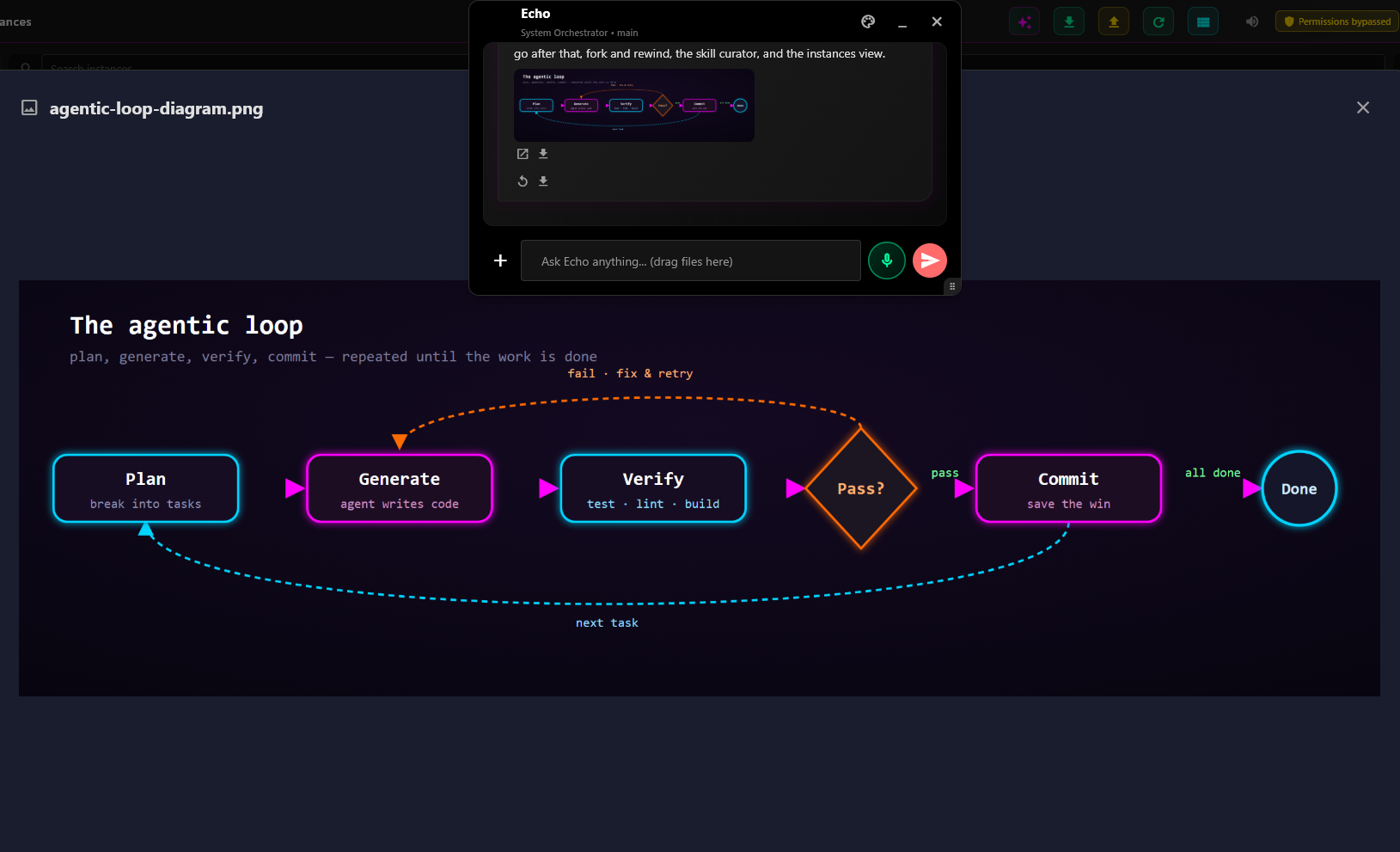
Active Claude Interaction

Live Claude Code Sessions

See your AI assistants in action, executing tasks and writing code in real-time.

Team Organization

Organized Team Structure

Group instances into teams for better project organization and collaboration.

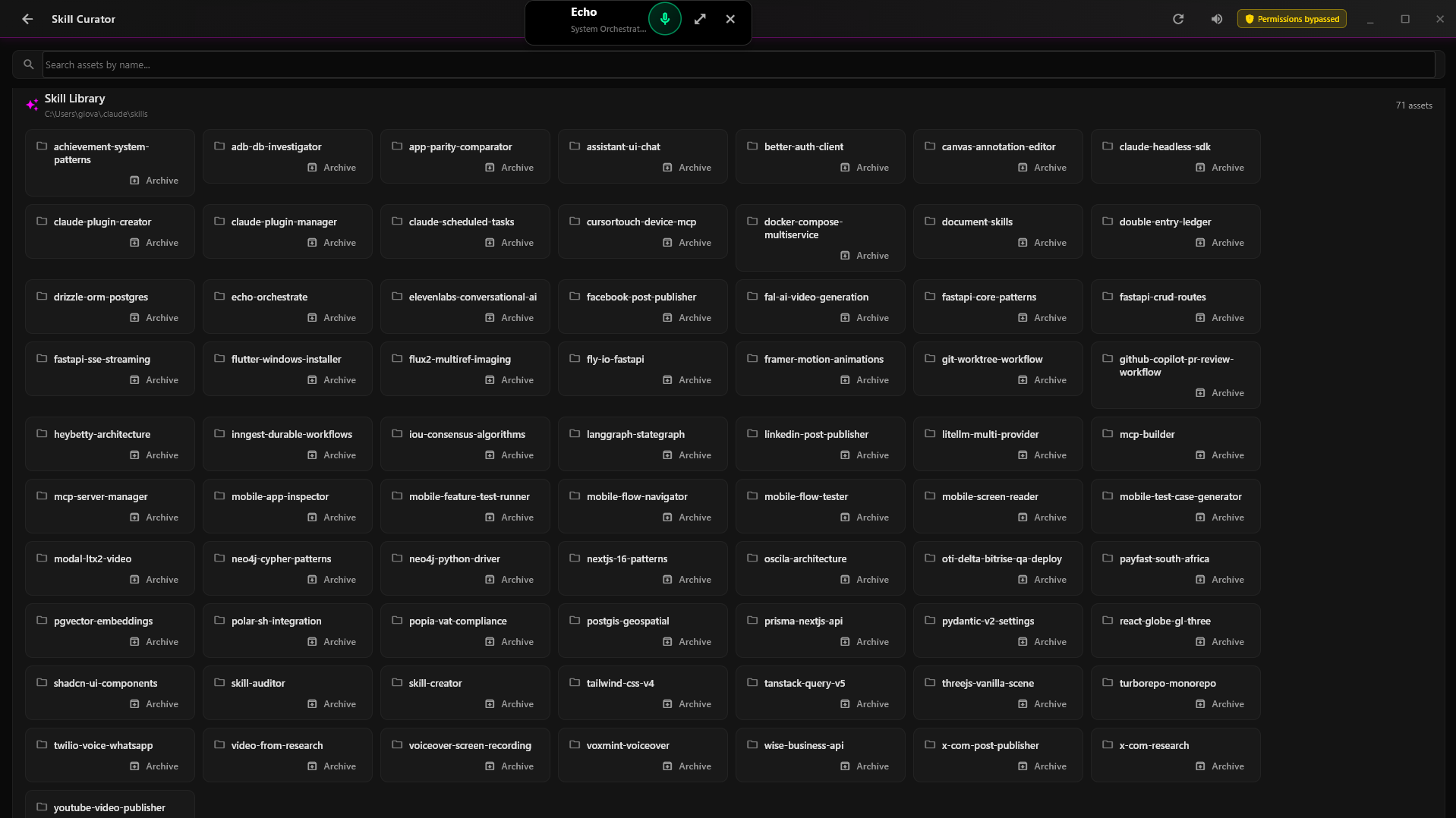
Power User View

AI Assistant Generation

Automatically generate specialized AI assistants based on your project specs or existing codebase. Each assistant is configured with the right expertise for its assigned tasks.

Getting Started

Simple to Start

Create your first instance in seconds with our intuitive setup process.

Meet Your Echorb Team

Each Echorb adapts its personality to match its current task and mood

Excited Echorb
Excited • Success

Ready to tackle new challenges

In Love Echorb
InLove • Success

Passionate about perfect code

Focused Echorb
Focused • Writing Code

Deep in development mode

Powerful Features

NEW

Smart Generation

Give Echorb a project specification and it automatically configures specialized Claude Code terminals for each feature, creates worktrees, and organizes them into a coordinated team.

HOT

Code Analysis

Point Echorb to any repository on your machine and it analyzes your codebase, then configures Claude Code terminals tailored to your project's architecture and tech stack.

Team Control

Control all your Claude Code terminals through Echo, our system orchestrator. Send commands to specific instances or broadcast tasks to your entire team for coordinated development.

Git Workflows

Configure Git worktrees your way - assign each Echorb its own branch for parallel work through separate worktrees. This enables true parallel development with each instance having its own working directory.

Start Your AI Team Today

Download Echorb and multiply your development power

Simple, Transparent Pricing

$10/month

After 60-day free trial

  • Unlimited Echorb instances
  • All personalities & features
  • Git worktree management
  • MCP tool integration
  • Team orchestration

Version 1.0.0 • Windows 10+ & macOS 10.15+

Important: Git must be installed and functional in your terminal (PowerShell for Windows, Terminal for macOS). Download Git: Windows | macOS

Note: You may see a browser warning since Echorb is brand new software. This is normal for new applications. Click "Keep" or "More info → Keep anyway" to proceed with the download.

System Requirements

Windows

  • Windows 10 (1903+) / 11
  • 8GB RAM minimum
  • 10GB disk space
  • 64-bit processor
  • Git for Windows (PowerShell)

macOS

System Requirements:

  • macOS 10.15 (Catalina) or later
  • Apple Silicon or Intel processor
  • 4GB RAM minimum
  • Git (Terminal)

Linux

Coming Soon!

Support for Linux is in development.
Join our waitlist to be notified when available.

Currently supports Claude Code with Claude Max subscription

Note: For seamless operation without constant permission prompts, Claude Code can be run with --dangerously-skip-permissions mode. You can toggle this setting from the Echorb dashboard. Without it, all features remain available but you'll need to approve permissions during operation.

Ready to Multiply Your Development Power?

Be among the first to experience the future of AI-powered development

No credit card required • 60 days free • Cancel anytime

Frequently Asked Questions

Yes, Echorb works with your existing Claude Max subscription. It doesn't replace Claude Code - it amplifies it.

Unlimited! You can spawn as many Claude Code terminals as your system can handle. Typically, users run 3-10 instances for different aspects of their projects.

Yes! You can configure Git worktrees so each Echorb works on its own branch independently. When using worktrees, multiple instances can collaborate on the same project while maintaining separate working directories.

Try Echorb free for 60 days with all features unlocked. No credit card required to start. After the trial, it's just $10/month for unlimited use.